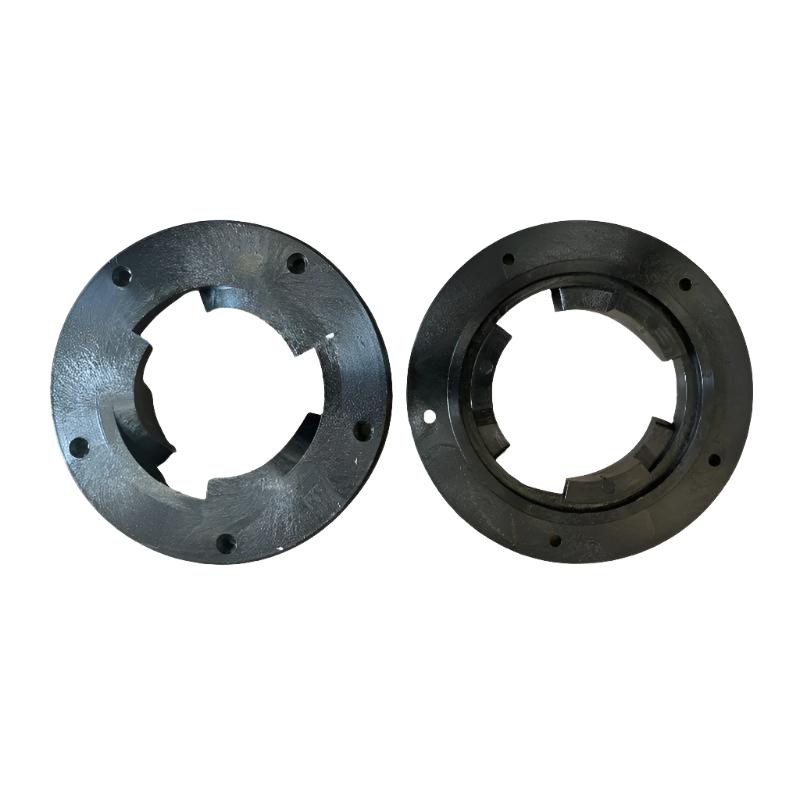
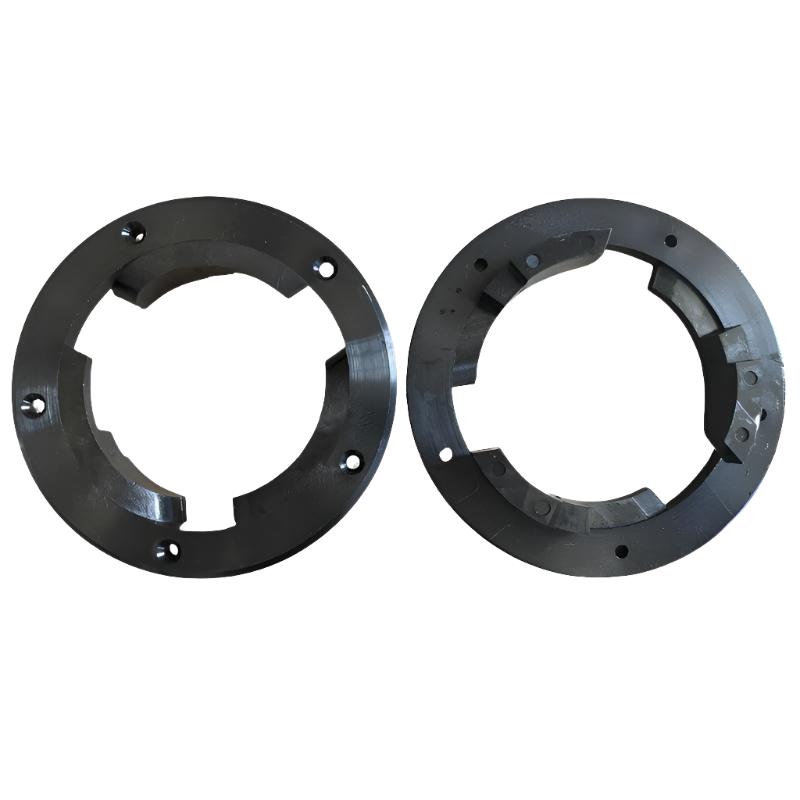
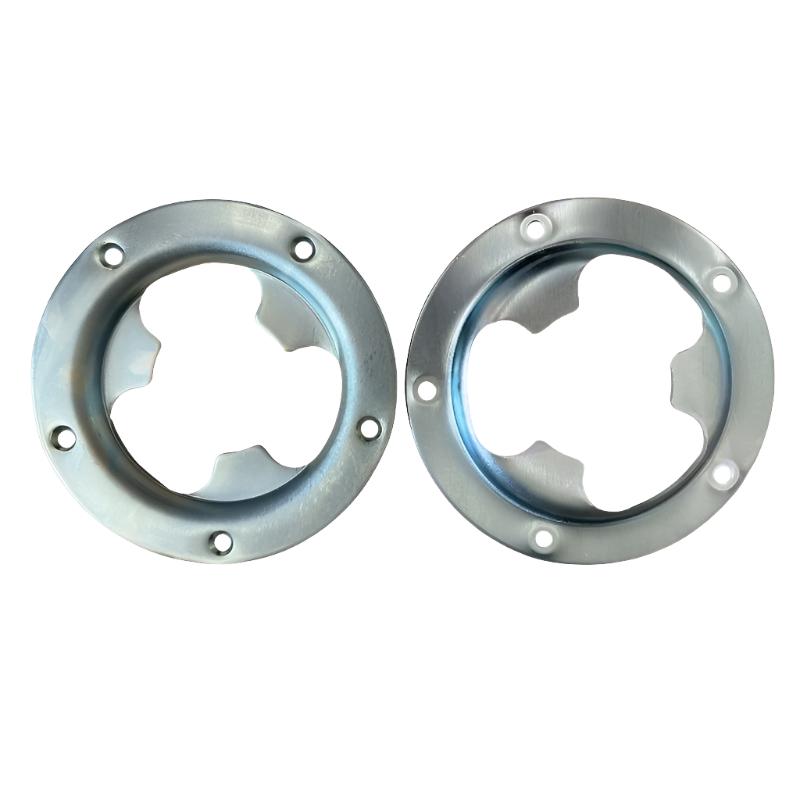
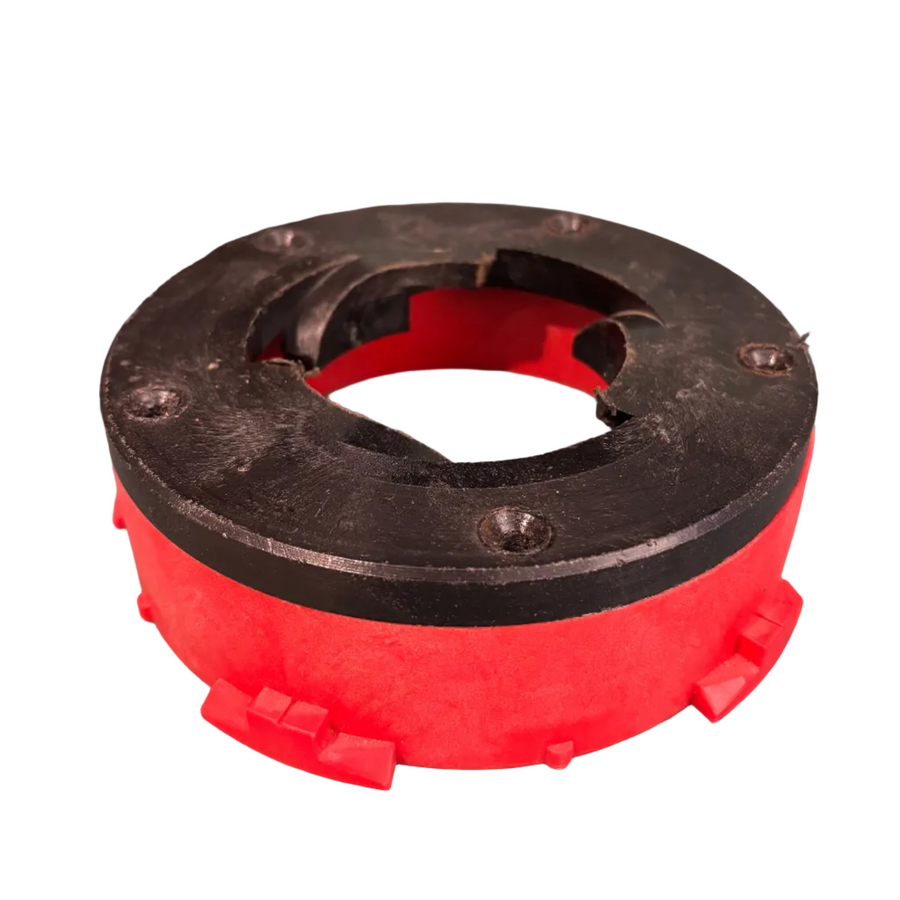
Our floor machine clutch plates provide the connection between professional rotary machines and the pad holders, drive boards and brushes being used on the floor.
Getting the correct clutch plate is important because different machines use different attachment sizes and fittings. A properly matched plate keeps the accessory securely connected to the machine while you're cleaning, grinding, polishing or preparing a floor.
The range includes clutch plates for Klindex, Hyper Grinder, Numatic and Beton machines, with different flange sizes available depending on the equipment you're using. We also stock compatible coupling modules for pad holders and rotary brushes where a specific attachment system is required.
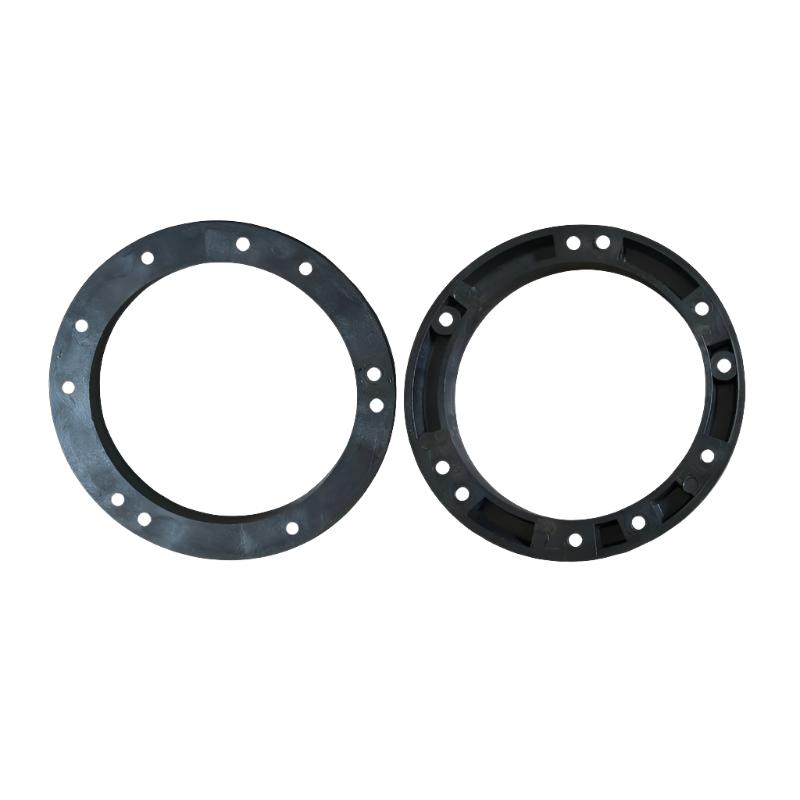
Alongside the clutch plates, you'll find spacer rings for adjusting the working depth of the machine. These can be useful when a pad holder, brush or other accessory needs extra clearance beneath the machine base to run correctly.
Our 10mm spacer provides a smaller depth adjustment, while the deeper 40mm Hyper Grinder spacer gives additional clearance for more demanding setups. The correct combination of clutch plate and spacer allows the tooling to sit at the right working height without interfering with the machine.
Compatibility matters with these parts, particularly when you're working across different rotary machines or changing between pad holders and brushes. Checking the attachment diameter, machine model and required working depth before ordering can save a lot of hassle later.
If you're unsure which clutch plate, coupling or spacer fits your machine, speak to the Repolished team and we'll help you match the correct part to your equipment.
With almost 20 years of hands-on experience in professional floor restoration, we understand that choosing the right machine, diamond tooling or consumables can make all the difference. We’re here to provide honest, practical advice and help you find the right solution for your project, whether you’re a domestic, commercial or industrial customer. Complete the enquiry form or contact us using the details below — we’ll be happy to answer your questions and assist you wherever we can.
Step 1: Choose message placement
Click the button below and then hover over your page to select a placement.
Step 2: Paste and save
You have copied the placement for the Product Page.
Go back to the App Embeds section, and in the Paypal Advanced Settings, paste the copied value into the
Product Page field and click the 'Save' button in the top right corner.