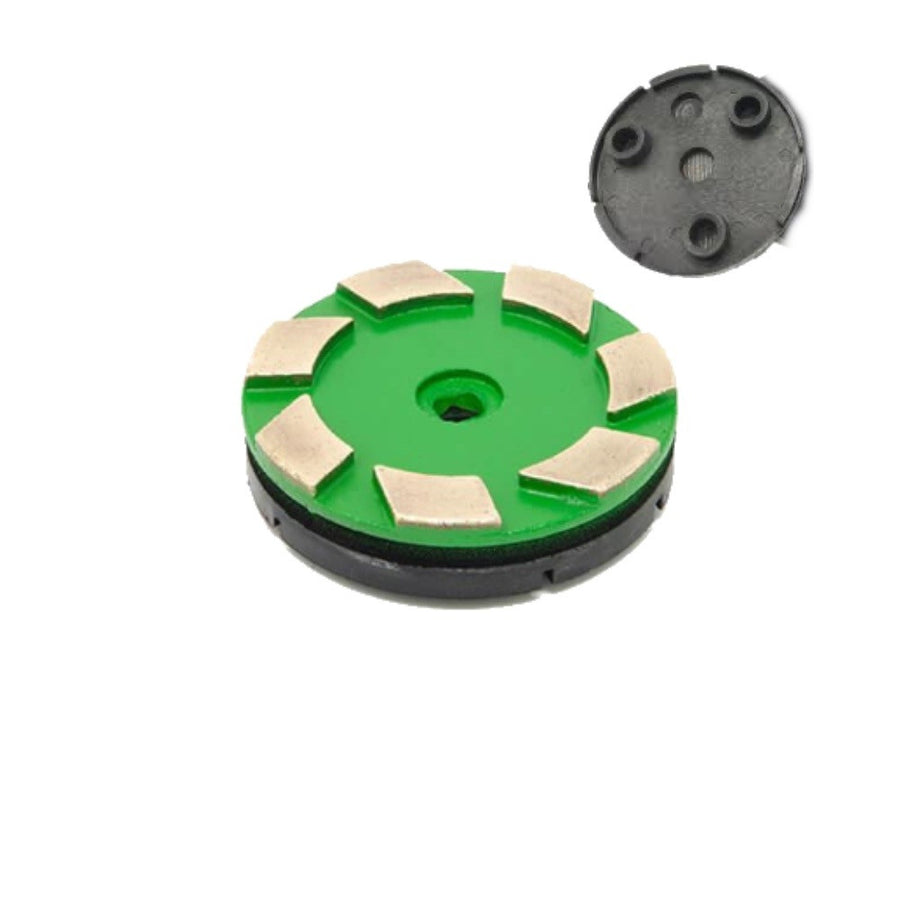
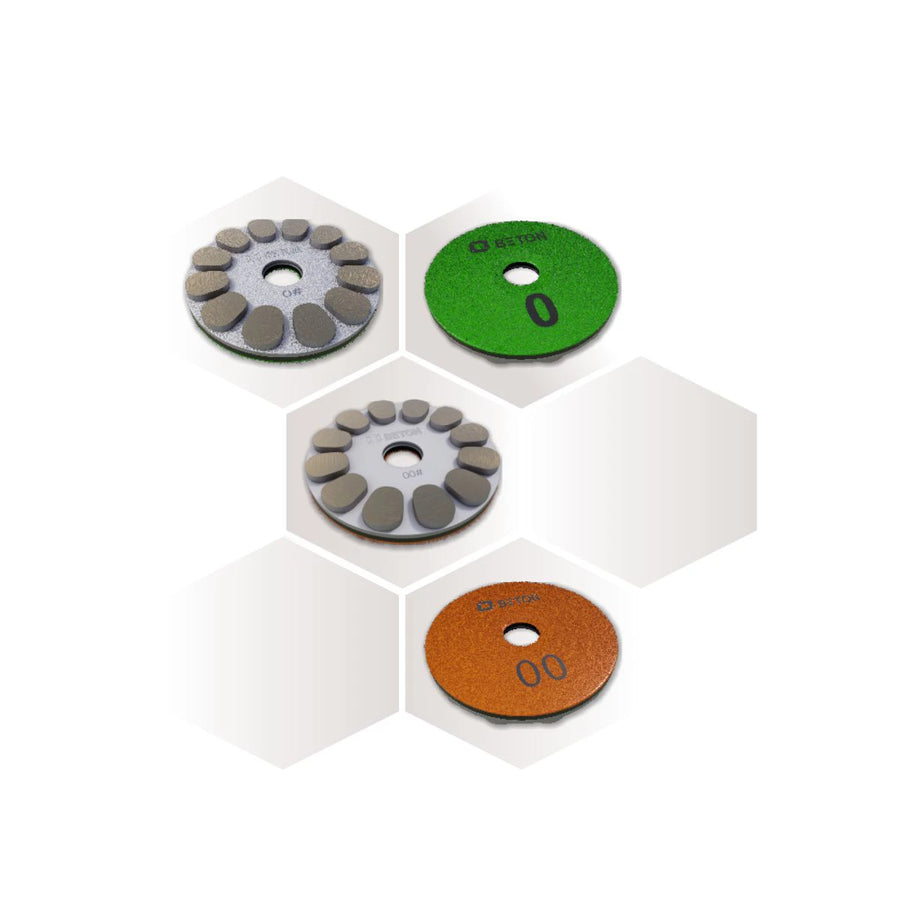
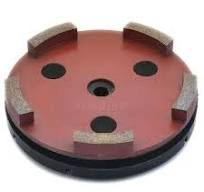
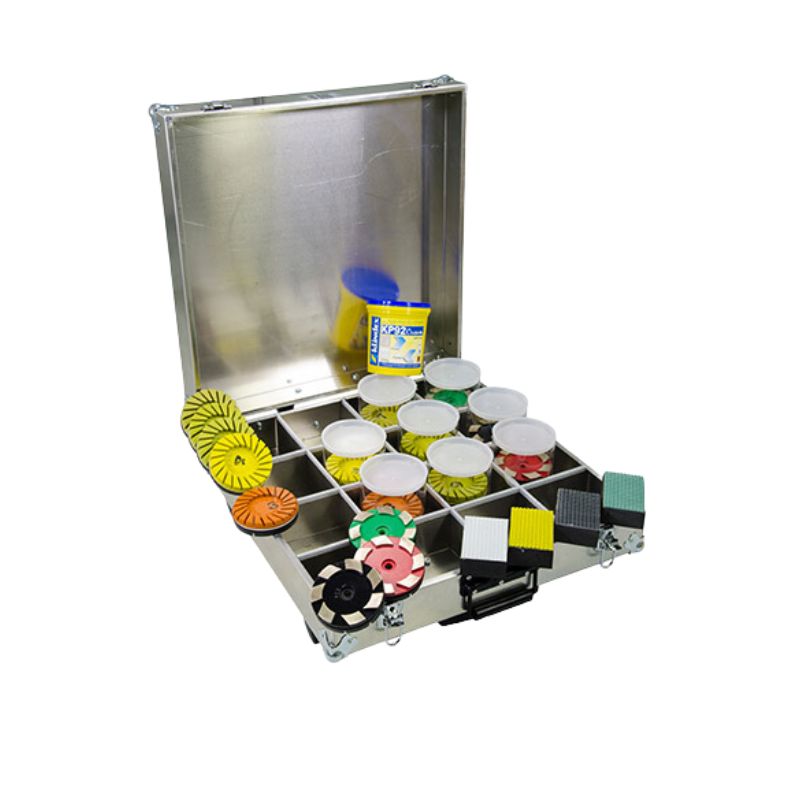
Our metal bond diamond grinding discs are designed for professional stone and floor restoration where a more aggressive cut is needed before moving on to the finer honing and polishing stages.
The range includes professional diamond grinding discs for marble, limestone, terrazzo, granite and concrete, with different grits, sizes and fittings available to suit the surface and level of restoration required. Metal bond diamonds are particularly useful for removing deep scratches, uneven areas, surface imperfections and lippage while preparing the floor for the next stage of the restoration process.
For marble grinding and limestone restoration, our Klindex metal bond diamond abrasives provide controlled material removal while helping to create an even surface. We also stock specialist metal diamond tooling for terrazzo grinding, concrete and other hard floor surfaces.
Choose from professional metal bond diamond tools from Klindex, Ultrashine and Repolished, including different grit levels for everything from heavier grinding through to surface refinement.
Whether you're restoring a worn marble floor, removing scratches from terrazzo or preparing stone before honing and polishing, our metal diamond grinding tools provide the cutting performance and durability needed for professional floor restoration.
Not sure which grit, size or fitting you need? Speak to the Repolished team and we'll help you choose the right diamond grinding discs for your machine, floor and application.
With almost 20 years of hands-on experience in professional floor restoration, we understand that choosing the right machine, diamond tooling or consumables can make all the difference. We’re here to provide honest, practical advice and help you find the right solution for your project, whether you’re a domestic, commercial or industrial customer. Complete the enquiry form or contact us using the details below — we’ll be happy to answer your questions and assist you wherever we can.
Step 1: Choose message placement
Click the button below and then hover over your page to select a placement.
Step 2: Paste and save
You have copied the placement for the Product Page.
Go back to the App Embeds section, and in the Paypal Advanced Settings, paste the copied value into the
Product Page field and click the 'Save' button in the top right corner.