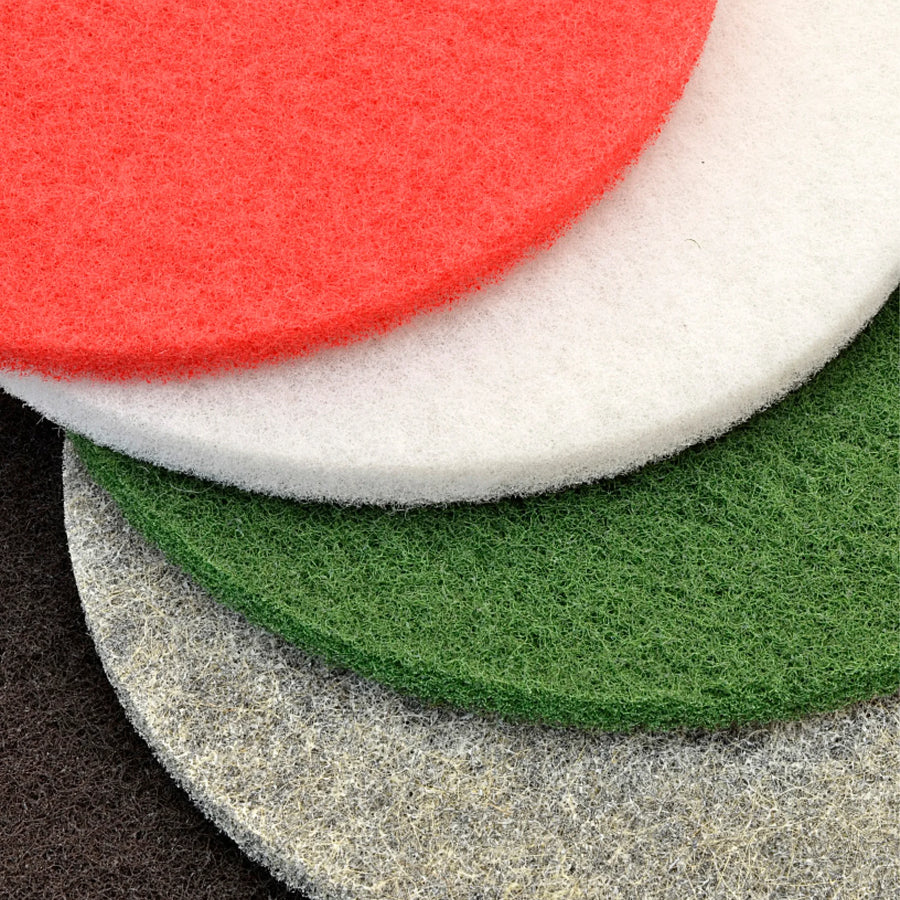
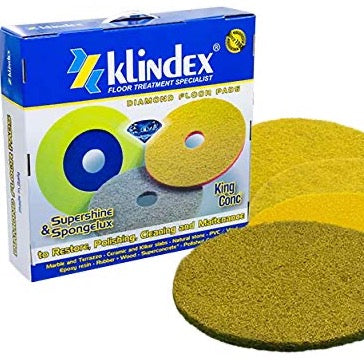
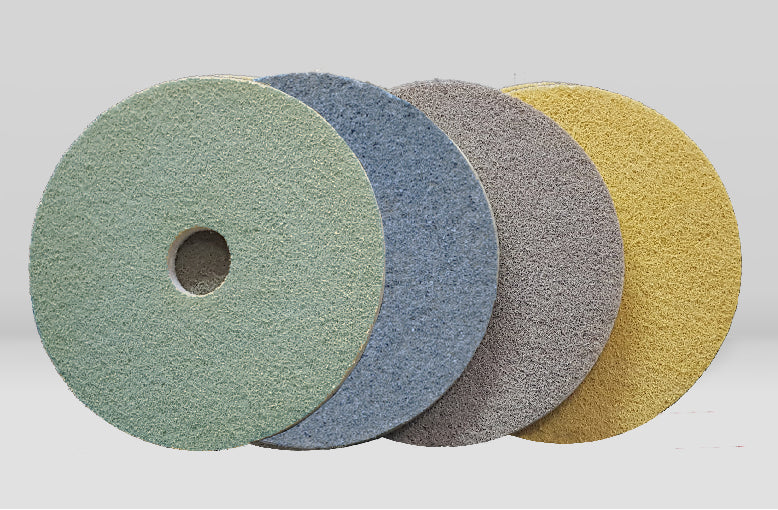
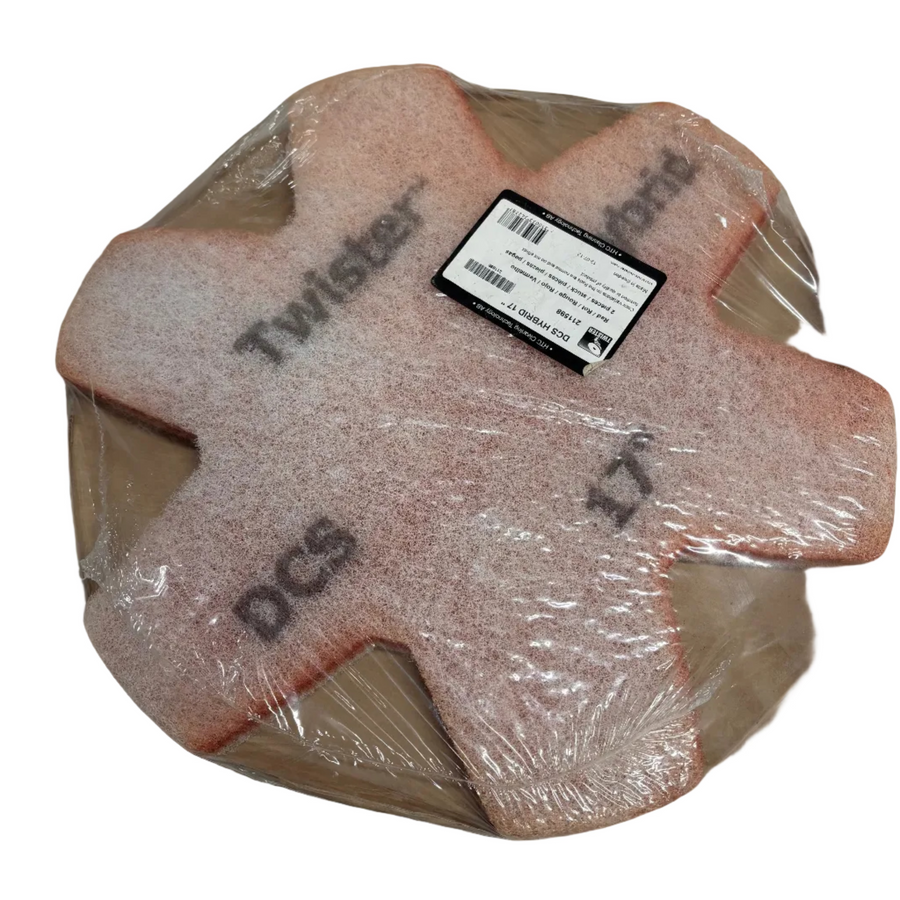
Our floor polishing pads are designed for professional restoration, polishing and maintenance of marble, terrazzo, concrete and natural stone floors.
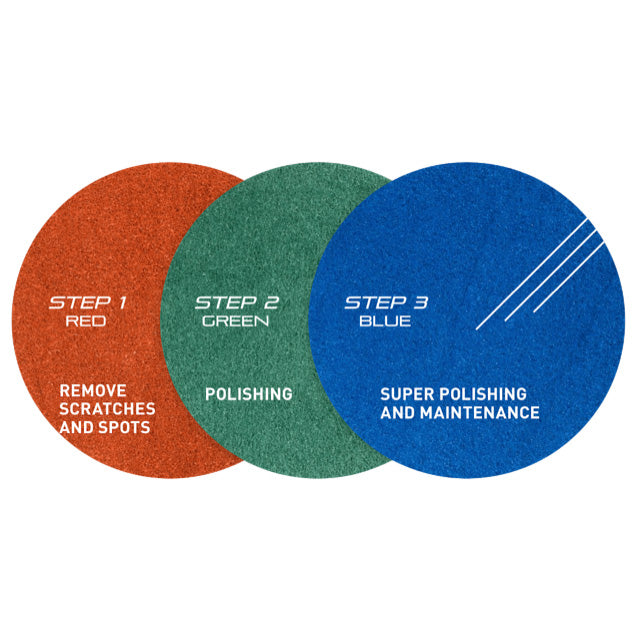
The range includes diamond floor polishing pads, multi-stage restoration systems and specialist polishing pads for everything from refining a worn surface to producing a smooth, high-gloss finish. Whether you're carrying out a full floor restoration or maintaining an existing polished surface, choosing the right pad can make a noticeable difference to both the finish and the time it takes to achieve it.
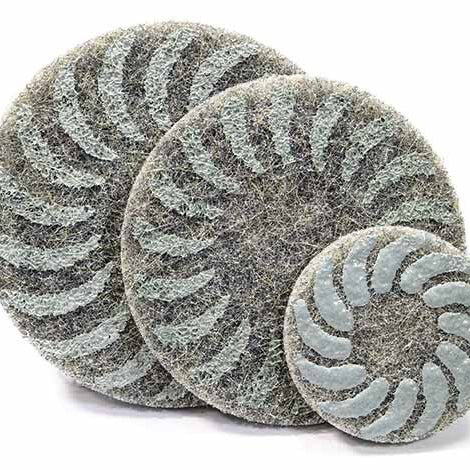
For marble, terrazzo and natural stone, we stock professional stone polishing pads including Klindex Elica and Tripad systems. These provide different options for restoring and polishing floors depending on the condition of the surface and the machine you're using.
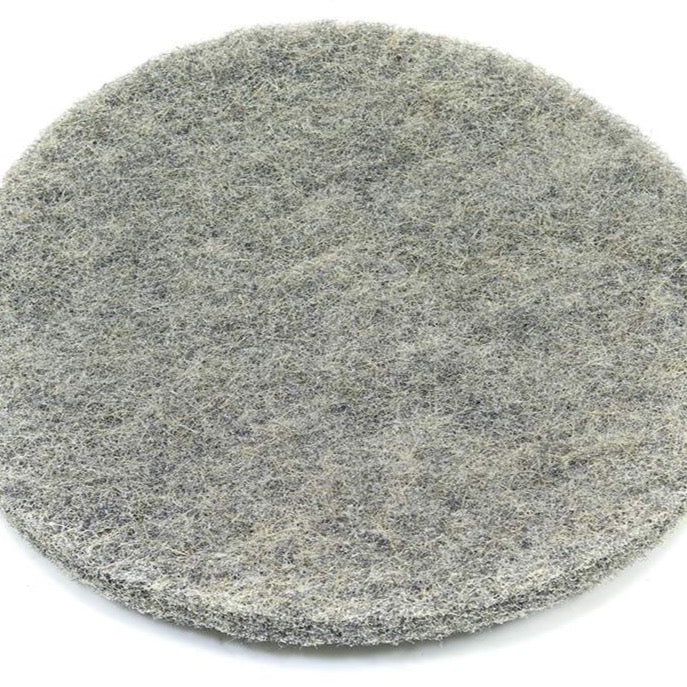
Our range also includes diamond-impregnated floor pads for concrete and stone, along with specialist finishing pads such as Klindex Discolux hog's hair pads. Different sizes and polishing systems are available for use with professional rotary and floor polishing machines.
Diamond floor pads can also be used as part of an ongoing floor maintenance programme, helping to refine light wear and maintain the finish of polished concrete, terrazzo, marble and other hard floor surfaces.
Whether you're restoring an older marble floor, bringing the shine back to terrazzo, polishing concrete or maintaining natural stone, you'll find professional floor polishing pads for each stage of the job.
Not sure which pad, size or polishing system you need? Speak to the Repolished team and we'll help you choose the right floor polishing pads for your machine, surface and application.
With almost 20 years of hands-on experience in professional floor restoration, we understand that choosing the right machine, diamond tooling or consumables can make all the difference. We’re here to provide honest, practical advice and help you find the right solution for your project, whether you’re a domestic, commercial or industrial customer. Complete the enquiry form or contact us using the details below — we’ll be happy to answer your questions and assist you wherever we can.
Step 1: Choose message placement
Click the button below and then hover over your page to select a placement.
Step 2: Paste and save
You have copied the placement for the Product Page.
Go back to the App Embeds section, and in the Paypal Advanced Settings, paste the copied value into the
Product Page field and click the 'Save' button in the top right corner.