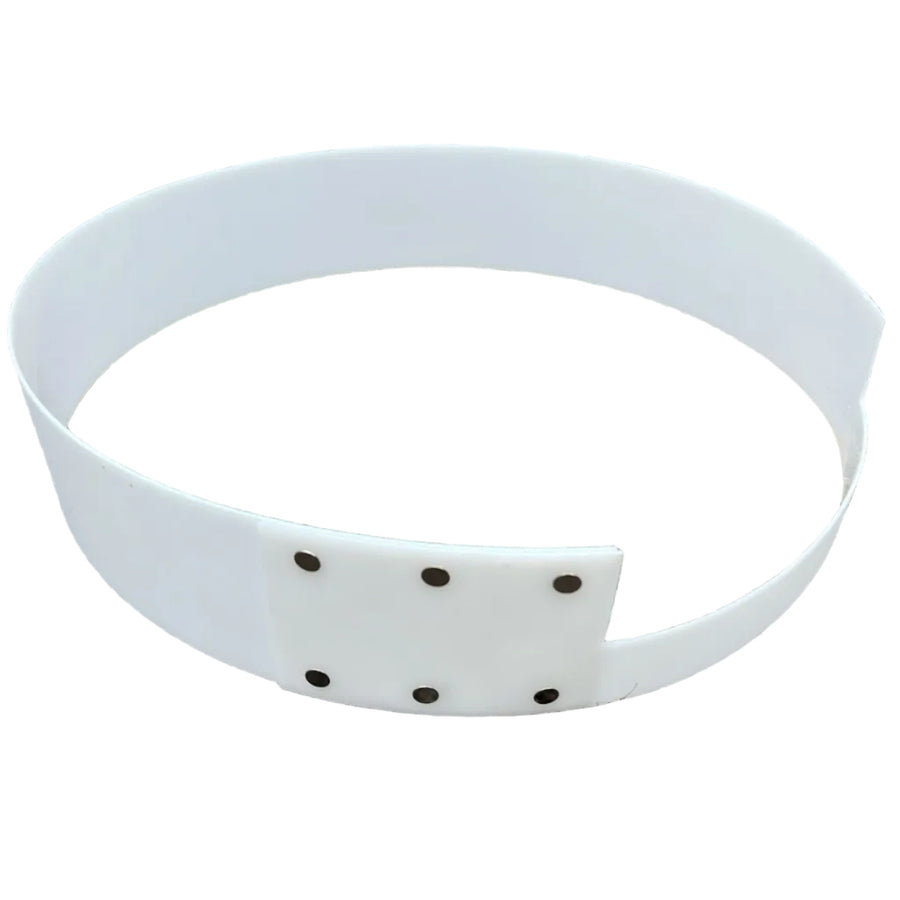
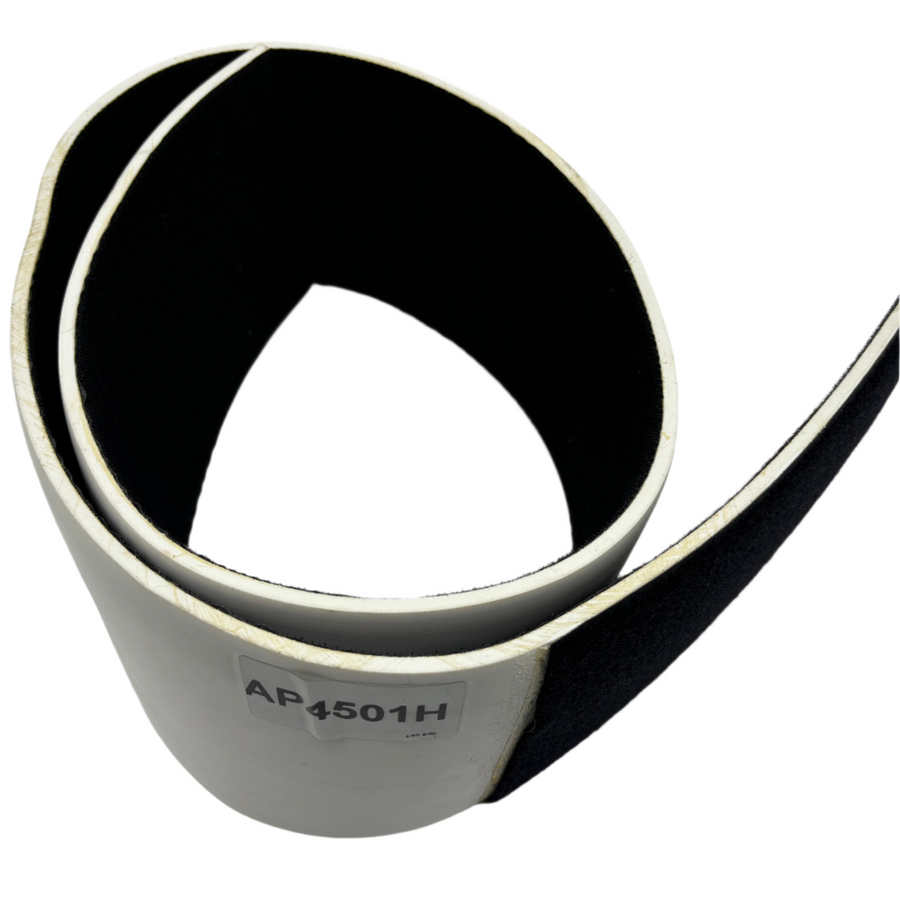
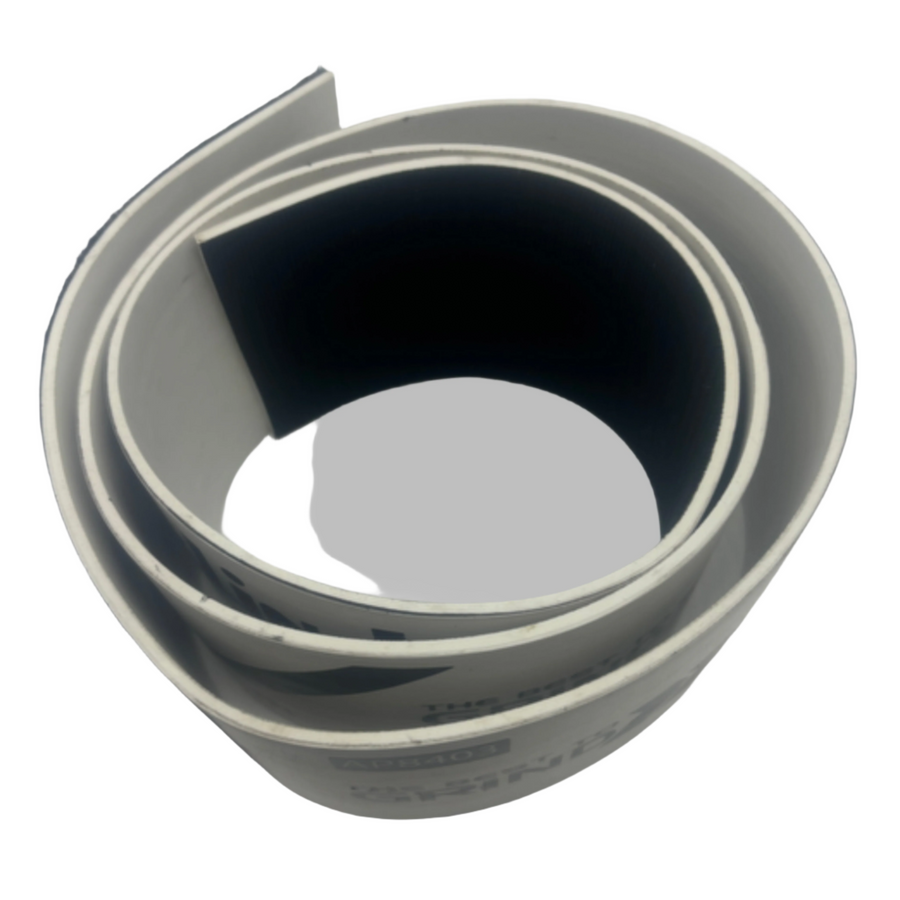
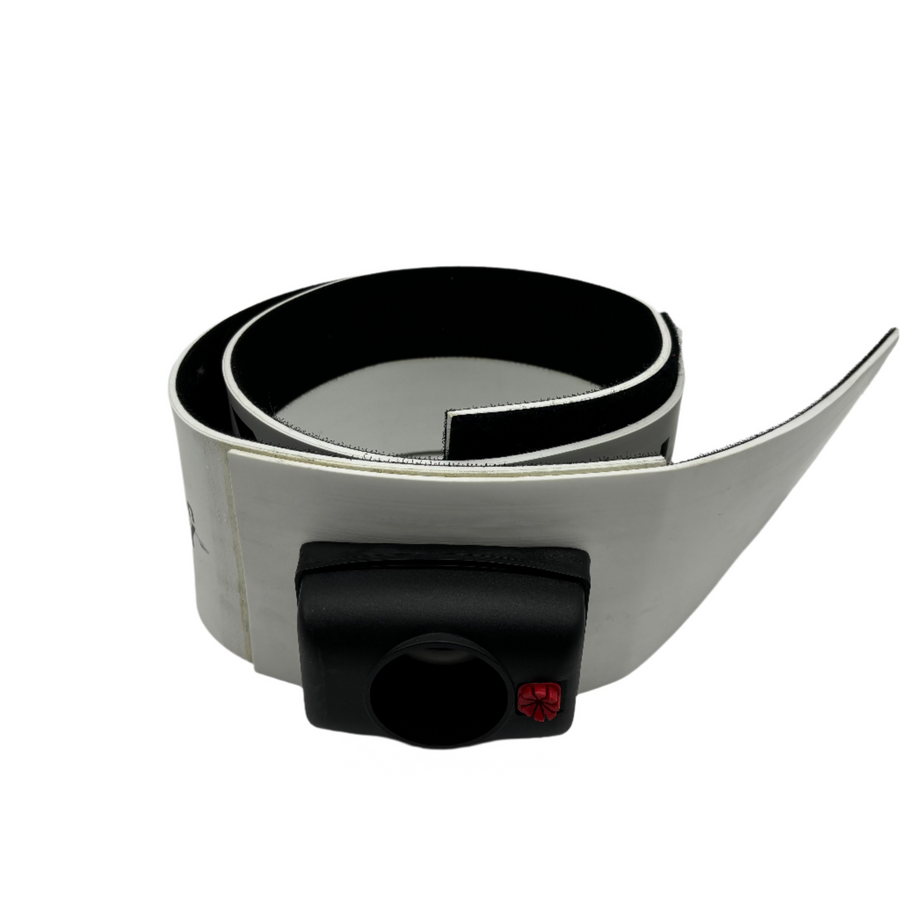
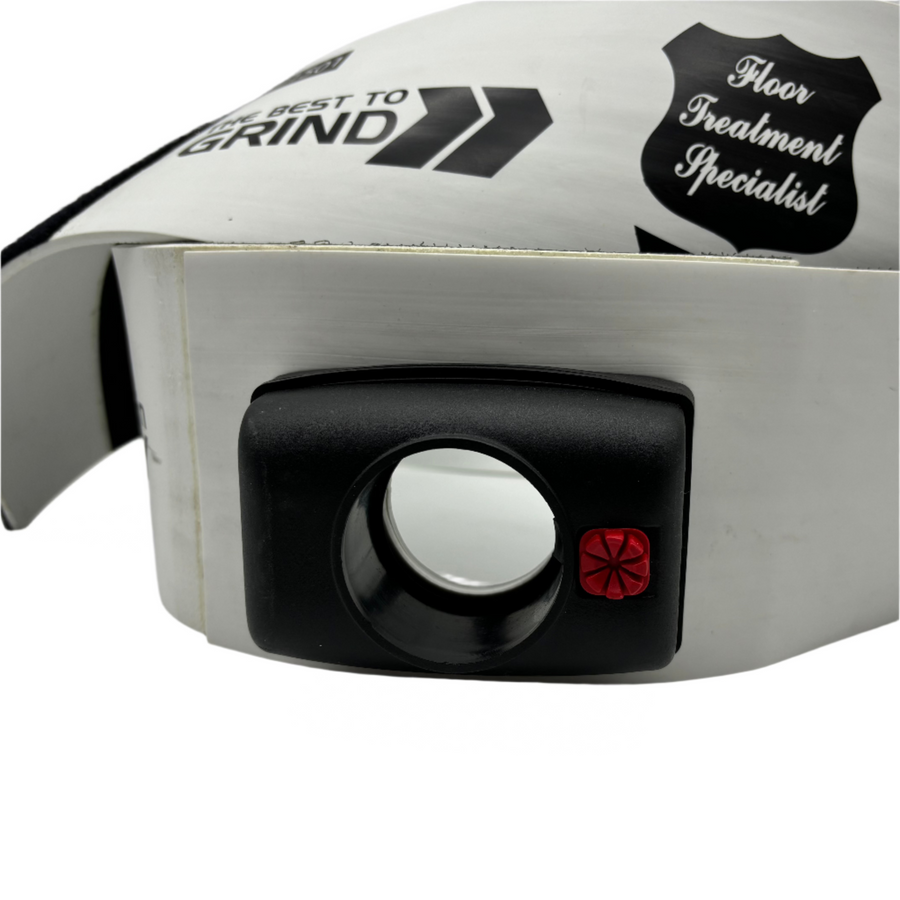
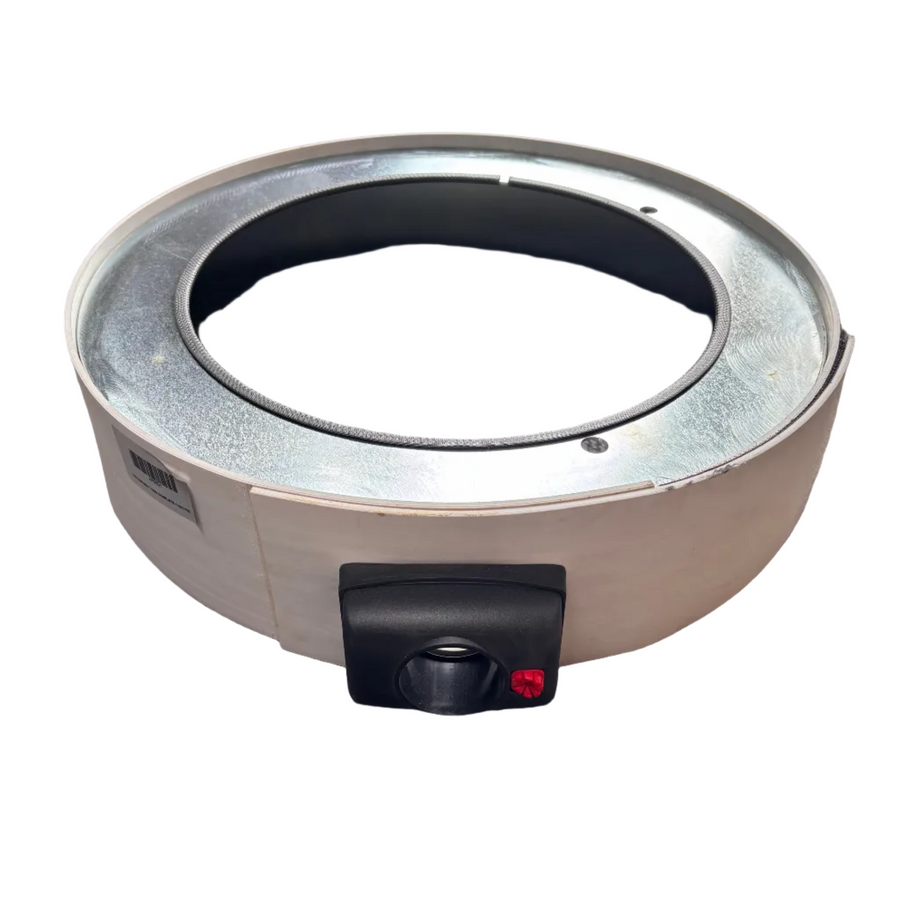
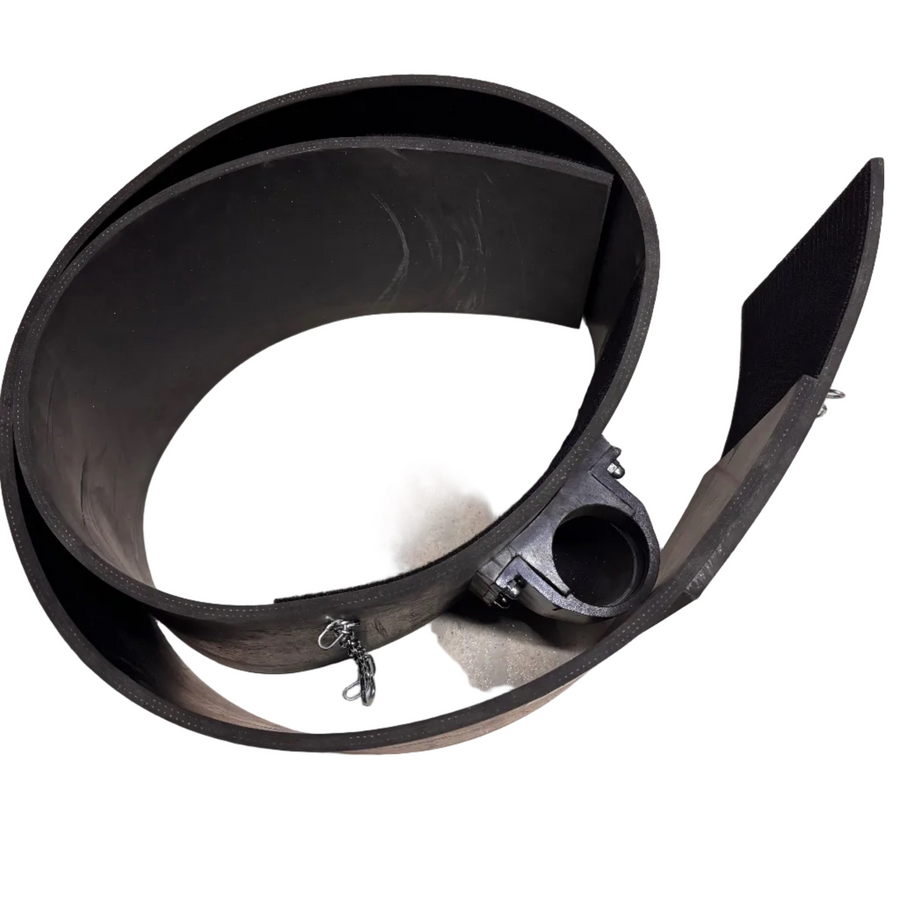
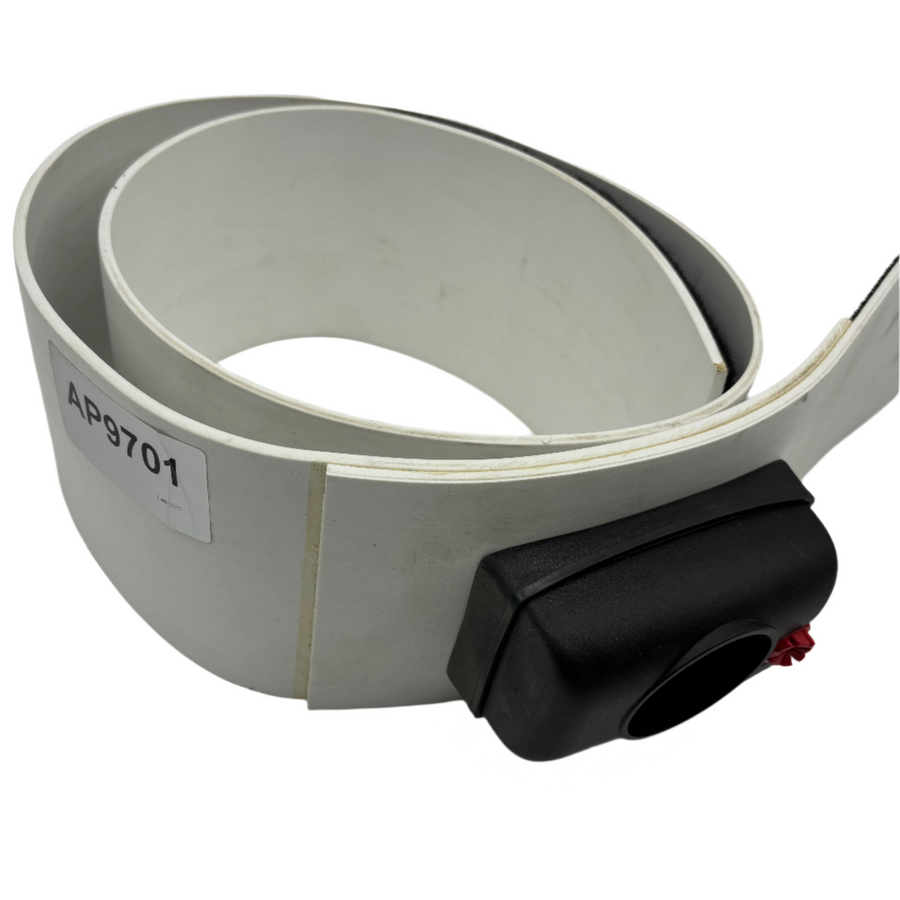
Our floor machine splash guards help keep water, slurry, dust and debris under control while you're grinding, polishing or cleaning floors with professional rotary and planetary machines.
Anyone who has worked wet with a floor machine knows how quickly slurry can travel beyond the area you're working on. A properly fitted splash guard sits around the base of the machine, helping contain the mess and protect nearby walls, skirting, furniture and finished surfaces while you work.
The range includes different sizes and styles to suit Klindex, Hyper Grinder and other professional floor machines. You'll find splash guards for standard rotary machines as well as larger planetary grinding and polishing systems, so it's important to match the size and fitting to the machine you're using.
Some options also include a vacuum hose outlet, allowing a dust extractor or vacuum system to be connected while the guard remains around the machine. This can be particularly useful when controlling dust and debris during grinding, surface preparation and other dry floor work.
For wet grinding and polishing, a splash guard helps keep water and slurry closer to the working area rather than allowing it to spread across the room. That makes the job easier to manage and can also cut down the amount of cleaning needed once the restoration work is finished.
Different lengths and heights are available depending on the machine and setup, including guards for rotary machines, single-disc machines and larger floor grinders.
If you're unsure which splash guard fits your machine, speak to the Repolished team and we'll help you match the correct size and model to your equipment.
With almost 20 years of hands-on experience in professional floor restoration, we understand that choosing the right machine, diamond tooling or consumables can make all the difference. We’re here to provide honest, practical advice and help you find the right solution for your project, whether you’re a domestic, commercial or industrial customer. Complete the enquiry form or contact us using the details below — we’ll be happy to answer your questions and assist you wherever we can.
Step 1: Choose message placement
Click the button below and then hover over your page to select a placement.
Step 2: Paste and save
You have copied the placement for the Product Page.
Go back to the App Embeds section, and in the Paypal Advanced Settings, paste the copied value into the
Product Page field and click the 'Save' button in the top right corner.